Developers may spend their days switching between code, calls, and side projects. A useful gift can make a workspace more comfortable or give their setup a new capability.
These 10 ideas span desk accessories, audio gear, and home networking. Check compatibility with the recipient’s existing devices and workspace before choosing.
10 Gift Ideas for Developers
SABRENT USB-C 6-Port Hub & M.2 SSD Dock

- Combines USB ports, power delivery, and Gigabit Ethernet with an M.2 slot.
- Provides an HDMI connection for an external display.
- Supports M.2 SATA or NVMe SSDs in 2242, 2260, or 2280 form factors.
Best Gift For: A developer who wants to connect peripherals, an external display, or portable storage to a laptop.

SteelSeries Arctis Nova 7P Wireless Headset

- Works wirelessly with PC, PlayStation, Switch, or a tablet.
- Can mix mobile audio with game audio.
- The microphone retracts when not in use.
Best Gift For: A developer who games across compatible devices and also takes calls or listens to audio on the go.
JLab Go Air Pop+ True Wireless Earbuds
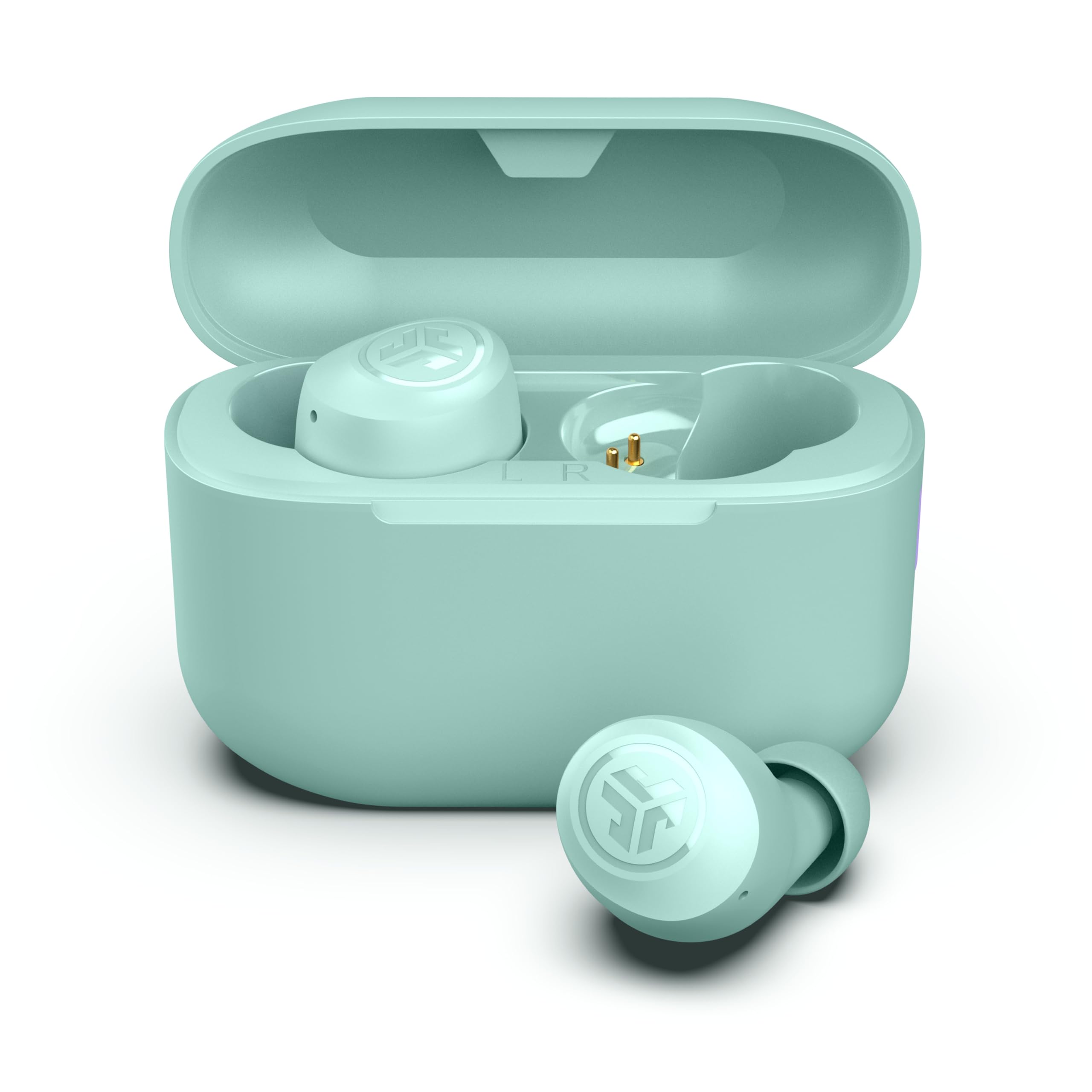
- The earbuds and charging case provide 35+ hours total listening time.
- Choose between three sound signatures using EQ3.
- Use either earbud independently for calls.
Best Gift For: A developer who listens to podcasts or playlists during commutes and wants to keep one ear free for calls.
HUANUO FlowLift Dual Monitor Desk Mount

- Fits compatible screens in the 13 to 32 inch size range.
- Offers C-clamp and grommet mounting choices.
- Guides cords along the arms to help tidy the desk.
Best Gift For: A developer setting up two compatible monitors for coding, documents, or video calls.
FIFINE T669 USB Microphone Kit

- Connects to a PC or laptop over USB without additional hardware or drivers.
- Includes an adjustable boom arm and double pop filter.
- The kit includes a shock mount and double pop filter.
Best Gift For: A developer who records podcasts, voiceovers, or voice chat at a computer.
SteelSeries Apex Pro HyperMagnetic Gaming Keyboard

- Offers 40 levels of per-key actuation.
- Can assign two actions to one key.
- The OLED display shows information from games and apps.
Best Gift For: A developer who enjoys customizing keyboard response for typing and gaming.
Nulaxy Pull-Out Height Adjustable Laptop Stand

- Adjusts laptop screen height from 1.2 to 20 inches.
- The pull handle helps switch between sitting and standing positions.
- Folds for compact storage or portability.
Best Gift For: A developer who wants to raise a laptop screen while switching between sitting and standing at a desk.
SteelSeries Aerox 3 Wireless Gaming Mouse

- The shell design brings the mouse weight to 68 grams.
- Provides configurable three-zone RGB lighting.
- Connects over 2.4GHz wireless or Bluetooth 5.0.
Best Gift For: A developer who also games and wants a wireless mouse with configurable lighting.
MAONO Wave T5 Mini Wireless Lavalier Microphone

- Records at 48kHz/24-bit.
- Offers four one-tap voice filters.
- The charging case provides 40 hours of total use.
Best Gift For: A developer who makes videos, tutorials, or interviews and wants a compact microphone setup.
TP-Link AXE5400 Tri-Band WiFi 6E Router

- Tri-band WiFi supports browsing, streaming, gaming, and downloading.
- Includes a 6 GHz band for wireless devices.
- Can create a OneMesh network with a compatible TP-Link extender.
Best Gift For: A developer considering a home network upgrade for gaming, streaming, and video calls.
Choosing gifts for developers
When choosing gifts for developers, start with the part of their routine you know well. Someone who regularly works from a laptop may appreciate a more flexible desk or extra ways to connect devices.
A developer who records tutorials or joins frequent calls may get more use from audio equipment.
Think about their actual setup before buying. For desk gear, consider whether they use one screen or two, and whether their monitors and desk can accommodate an arm.
For a hub, check the laptop’s ports and the devices they want to connect. A technically appealing gift is most useful when it fits the recipient’s day-to-day equipment.
If you are unsure what they own, look for clues in conversation rather than guessing at a specific device. Ask what makes their desk awkward or what they reach for during a workday.
That small bit of context can point toward a practical choice without turning a gift into a request to replace their whole setup.
Balancing budget and usefulness
A thoughtful choice does not need to be the most elaborate item in the selection. A small audio accessory or a workspace upgrade may solve a specific annoyance, while larger equipment often makes sense when you already know the recipient wants that kind of change.
Consider how often the item will be used alongside what it costs.
Set a comfortable budget first, then compare the kinds of value that matter to the recipient: convenience, flexibility, or a feature they have wanted to try. If two choices seem equally relevant, lean toward the one that works with more of what they already have, after checking compatibility and current product details.
For a substantial purchase, it can help to check whether the recipient has mentioned a particular model or preferred setup. Shared costs or a gift receipt can make a larger technology gift easier to fit into personal preferences.
Check actual prices before buying, since they can change over time.
Personal touches for gifts for developers
Personalization can come from matching a gift to how someone works, rather than adding a generic tech theme. For gifts for developers, think about whether they enjoy a tidy desk, switch between home and office, make side-project videos, or spend downtime gaming.
A note that names the reason you chose it makes the gesture feel considered.
You can pair a practical item with a short, specific message: perhaps it reminded you of their late-night project sessions, or you noticed how often they take calls while moving around. Keep the note warm and focused on them.
Avoid implying that their current setup is inadequate; frame the gift as an option they can enjoy.
Presentation can stay simple. Wrap a compact accessory on its own, or place a larger desk item in a reusable bag with a card explaining why you thought of them.
If setup or compatibility may take a little planning, include a gift receipt or offer to help them check their existing equipment after the occasion.
Making the gift useful from day one
When time is short, choose something whose purpose is clear and whose fit is easy to confirm. A small accessory can be convenient to wrap, while a desk mount or network device may call for a little more checking.
Look at current product details, confirm compatibility with the recipient’s devices, and review dimensions before ordering.
For gifts for developers, last-minute shopping works best when it follows a known need. If you have heard them mention an untidy desk or a desire to record clearer audio, use that as a guide.
When you are making a guess, a gift receipt and a low-pressure note let them decide whether it suits their setup.
Check delivery estimates at checkout and leave time for the package to arrive before the occasion. Estimates can change, so avoid promising a specific arrival date.
If the timing is uncertain, a card describing the gift or a thoughtful in-person note can make the occasion feel complete while the recipient has flexibility around setup.
A final check before choosing
Think through the recipient’s space, devices, and habits one last time. Some gifts are most useful at a dedicated desk; others can travel between work and home.
Consider where it will live, what it will connect to, and whether the recipient enjoys configuring equipment or prefers something ready to use.
A short conversation can resolve the biggest uncertainties: ask about their computer ports, screen arrangement, or interest in recording and gaming without revealing the specific gift. If that feels too direct, check details they have already shared or enlist someone close to them who knows their setup.
The most satisfying gift is one that respects the recipient’s preferences and leaves room for choice. A practical tool, an upgrade to a familiar routine, or equipment for a personal project can all feel thoughtful when chosen with care.
Keep the focus on what they enjoy doing, and let them decide how it fits into their workspace.